
The break reminder
you can't click away
MacBreak takes the screen when it's time to rest, and gives it back when you've actually rested.
macOS 13+ · Apple Silicon & Intel · Native Swift · Free & MIT · No telemetry
Three ways to take care of yourself
Eye strain, stiffness, and dehydration are three different problems. One timer can't fix all of them.
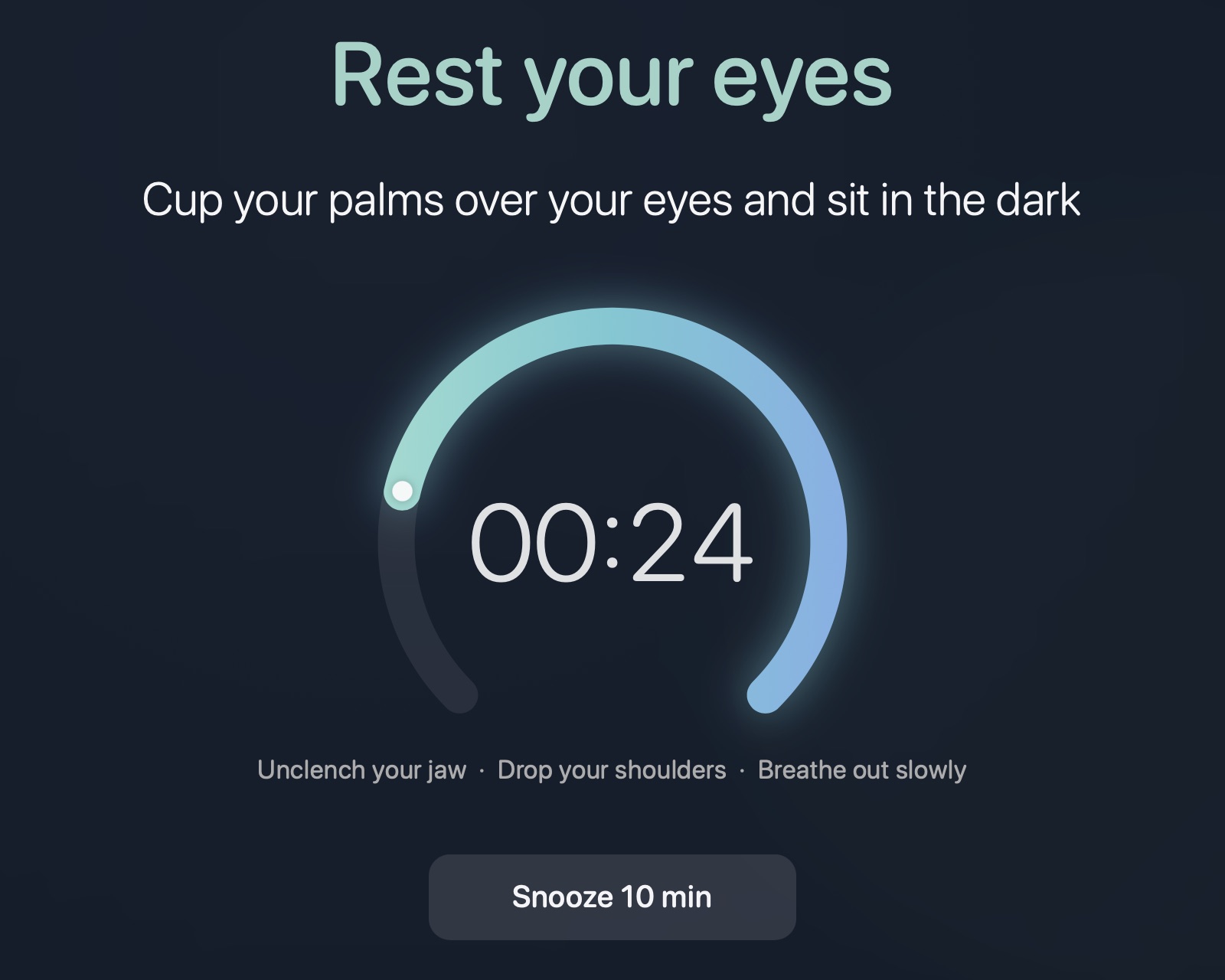
Rest your eyes
The 20-20-20 rule, enforced. Ten different prompts so you keep reading instead of tuning it out.
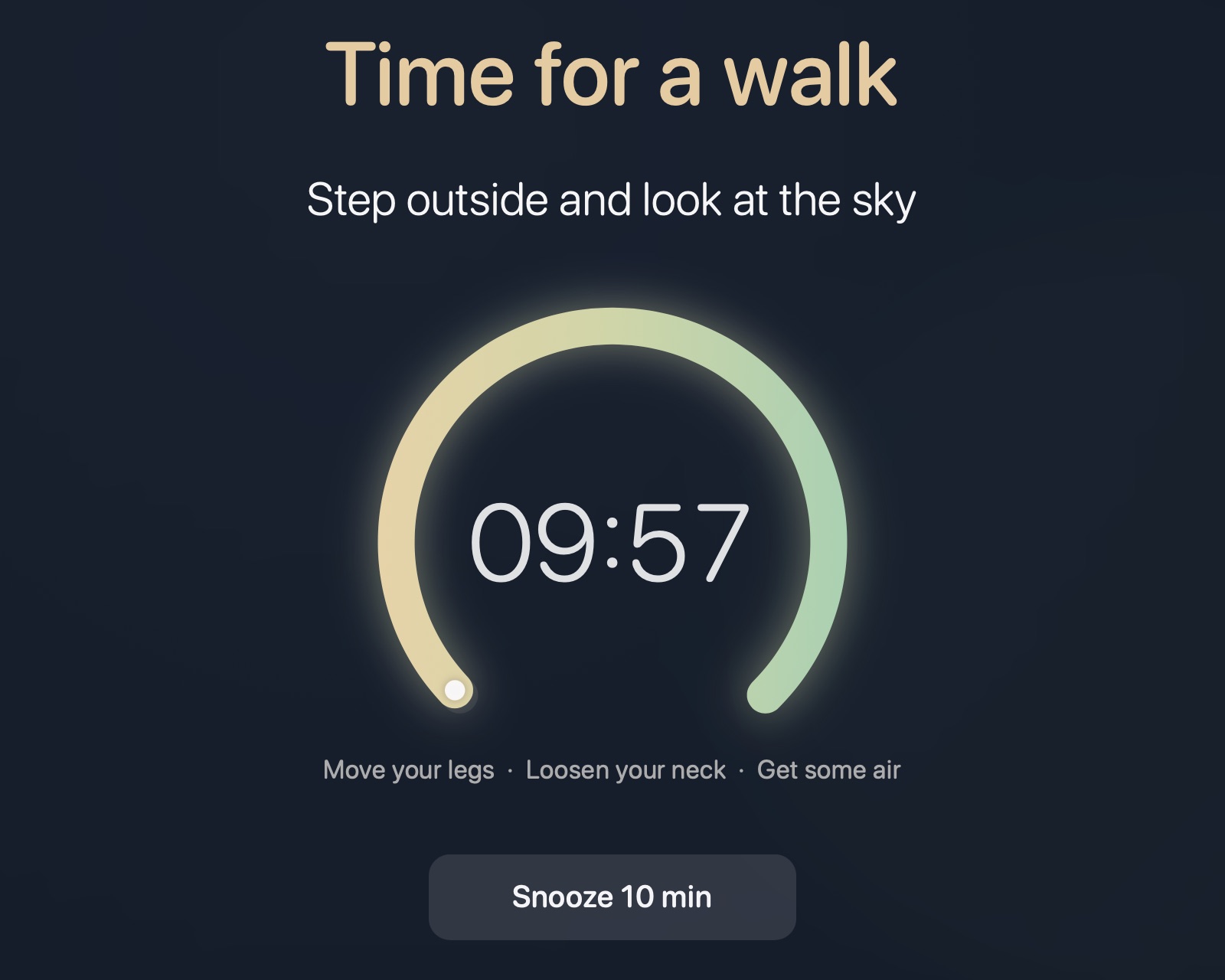
Time for a walk
Long enough to actually leave the chair. Take a lap, stretch, go look at the sky.
Drink water?
Say yes and the timer resets. Skip, and it nudges you sooner. Your history stays local with weekly suggestions.
Not a notification. A takeover.
A banner you swat away isn't a break. MacBreak covers every display and holds it until the rest is over.
Built different
~1,400 lines of Swift. No Electron, no runtime, no dependencies. About 10 MB of memory while it waits.
Coming from Safe Eyes or Stretchly?
Safe Eyes only runs on Linux. Stretchly and BreakTimer run on Mac through Electron. MacBreak is the native option.
See how they compare on macOS →
Install
Two ways in. Both take about a minute.
brew install --cask deepakk33/tap/macbreak
open -a MacBreak   # then tick "Start at login"
curl -fsSL https://raw.githubusercontent.com/deepakk33/macbreak/main/scripts/bootstrap.sh | bash
Compiles on your machine — no Gatekeeper prompt. Needs xcode-select --install, not the full Xcode.
Questions
Does it work with multiple monitors?
Yes. Every display is covered, each with its own countdown and buttons.
Is MacBreak free?
Yes. Free and open source under the MIT licence. No paid tier, no account, no ads.
Does it work on Intel Macs?
Yes. Every build is universal — Apple Silicon and Intel — and runs on macOS 13 Ventura or later.
Is there a version of Safe Eyes for Mac?
Not officially. MacBreak covers the same ground natively. Read the comparison.
How do I follow the 20-20-20 rule?
Set "Look away every" to 20 min and "Look away for" to 20 sec in Preferences. More on the rule.
Does it phone home?
No. Zero network code. Nothing leaves your machine.
How do water reminders work?
Off by default. Enable in Preferences, and every 45 min (configurable) a 15-second overlay asks "drink or skip?" Drink resets the full timer; skip brings the next one sooner. All data stays local with weekly suggestions.
What if I'm in a meeting?
Snooze, or Pause from the menu bar. Pause stops all clocks until you resume.
How do I uninstall?
brew uninstall --cask macbreak or make uninstall from source. Both stop it and remove the login agent.
Why not Electron?
A break reminder at 200 MB is its own problem. This is AppKit — ~1,400 lines of Swift, ~10 MB of memory, zero dependencies.